
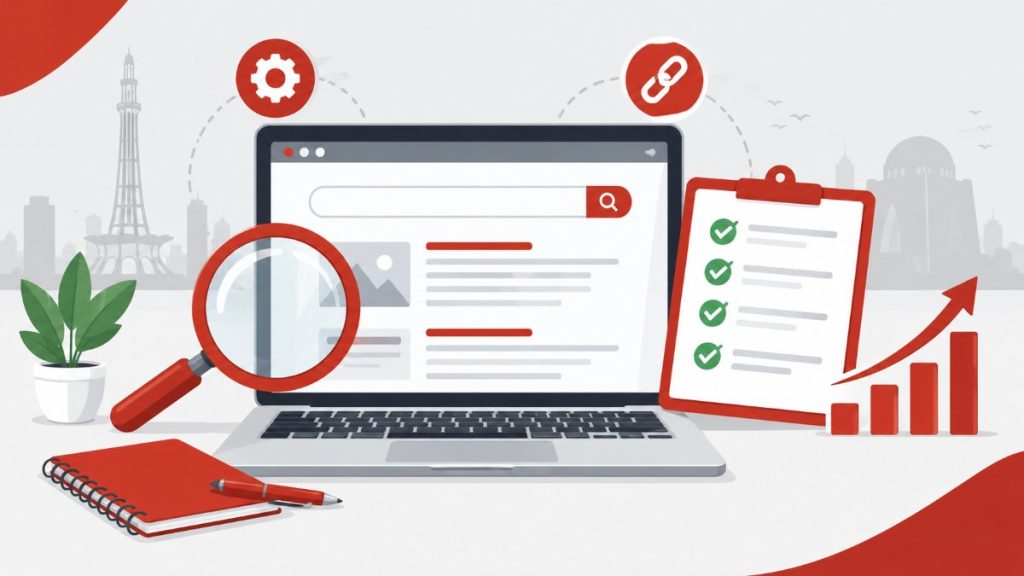
You have written a good page or blog post, but it does not show up on Google. In most cases the problem is not the writing itself. The page simply is not set up properly for search engines. This is where an on-page SEO checklist for beginners helps: a simple list of things you can fix on the page itself, without any paid tools.
In this guide we explain on-page SEO in plain language and give you a step-by-step checklist you can use on a WordPress website, a business page or a student portfolio in Pakistan. You do not need to be a technical person to follow it.
What is on-page SEO?
On-page SEO means improving the parts of a web page that you control directly: the title, headings, text, images, links and page address. Off-page SEO, in comparison, is about things outside your site, such as other websites linking to you. Both matter, but on-page work is the best place to begin because it is fully in your hands.
Why it matters for Pakistani websites
- Local businesses in Lahore, Karachi or Islamabad compete for the same searches, so clear and well-organised pages stand out.
- Freelancers can make their portfolio easier to find when clients search for a service.
- Students can practise real SEO on their own blog and build proof of skill.
The on-page SEO checklist
1. Choose one focus keyword per page
A focus keyword is the main phrase a person would type into Google to find your page, for example “web design course in Lahore”. Pick one main phrase for each page. Think about what a real person would search, not what sounds impressive. Use the free suggestions that appear when you type into Google search, and look at the “People also ask” box for ideas.
2. Write a clear title tag
The title tag is the blue headline shown in search results. Keep it under about 60 characters so it is not cut off, put the focus keyword near the start, and make it read naturally for a human.
3. Write a useful meta description
The meta description is the short text under the title in search results. It does not directly push you up, but a clear description makes more people click. Keep it around 120 to 155 characters, mention the benefit and use the keyword once.
4. Use headings in the right order
Each page should have one main heading (H1), usually the page title. Break the rest into H2 sections and use H3 for smaller points. Headings help readers scan the page and help Google understand its structure.
5. Use a short, readable page address
Compare these two addresses: /on-page-seo-checklist/ and /p?id=4821&cat=7. The first one is clear for both people and search engines. Use lowercase words separated by hyphens and avoid extra filler words.
6. Write helpful, original content
Answer the question the visitor came with. Explain things simply, use short paragraphs and add examples. Do not copy text from other sites and do not repeat the keyword again and again. If the sentence sounds unnatural when read aloud, rewrite it.
7. Add internal links
Internal links connect your own pages to each other. They help visitors move around and help Google find related content. Use descriptive link text, such as “our guide to web design”, instead of “click here”.
8. Optimise your images
- Compress images before uploading so the page loads quickly.
- Give files meaningful names, for example lahore-office-class.jpg instead of IMG_2034.jpg.
- Add alt text that briefly describes the image. This also helps visually impaired visitors.
9. Make the page mobile friendly and fast
Most people in Pakistan browse on their phones, often on mobile data. Check your page on a phone. Text should be readable without zooming, buttons easy to tap and the page should not take long to open. Google’s free PageSpeed Insights tool can show you what to improve.
A quick practical example
Imagine you own a small tailoring shop in Lahore and want a page for “bridal dress stitching in Lahore”. Here is how you would apply the checklist step by step:
- Set the focus keyword to “bridal dress stitching in Lahore”.
- Write a title such as “Bridal Dress Stitching in Lahore | Your Shop Name”.
- Write a description that explains what you offer and invites people to call or message.
- Use H2 headings like “Our stitching process” and “Fabrics we work with”.
- Add real photos of your work with proper file names and alt text.
- Link to your contact page and other service pages.
- Test the page on your phone and fix anything that looks broken.
Nothing here needs special software. You only need patience and a little practice.
Common beginner mistakes
- Stuffing the same keyword into every sentence.
- Using one title and description for many pages.
- Uploading huge images that slow the page down.
- Publishing very short pages with no real information.
- Expecting results in a few days. SEO usually takes weeks or months to show an effect.
Learn this at Skills Up Academy
If you want to learn SEO properly with a trainer, take a look at our SEO course. You can also pair it with our WordPress course to build and optimise your own site, or explore the Digital Marketing course for the bigger picture. Skills Up Academy was founded in 2011, has trained 3,000+ learners, and is registered with the Skills Development Authority, Govt. of Punjab. Classes run at our Lahore campus and online, and certificates can be verified online.
For the latest fee and batch details, message us on WhatsApp: https://wa.me/923211111218. We are open Monday to Friday, 8 AM to 9 PM. You can also see all programmes on our courses page.
Frequently asked questions
Is on-page SEO difficult for beginners?
No. The basics, such as titles, headings, clear content and image names, can be learned in a few days. Mastery comes with practice on real pages.
How long does on-page SEO take to show results?
It varies by competition and by how new your site is. Usually you should expect weeks to a few months, not days.
Do I need paid tools to do on-page SEO?
No. Free tools such as Google Search Console and PageSpeed Insights, plus an SEO plugin on WordPress, are enough to start.
Can I learn SEO and use it for freelancing?
Yes. Many freelancers offer SEO services once they understand on-page work, keyword research and basic reporting. Start by improving your own site as a practice project.